Our yearly Birthday Sale is live! 🥳
Save 20% on all courses and an extra 10% on all course bundles.
Explore Courses
Learn more
Learn more
Explore Courses

Our yearly Birthday Sale is live! 🥳
Save 20% on all courses and an extra 10% on all course bundles.

Create your first 3D robot in Blender, step by step.


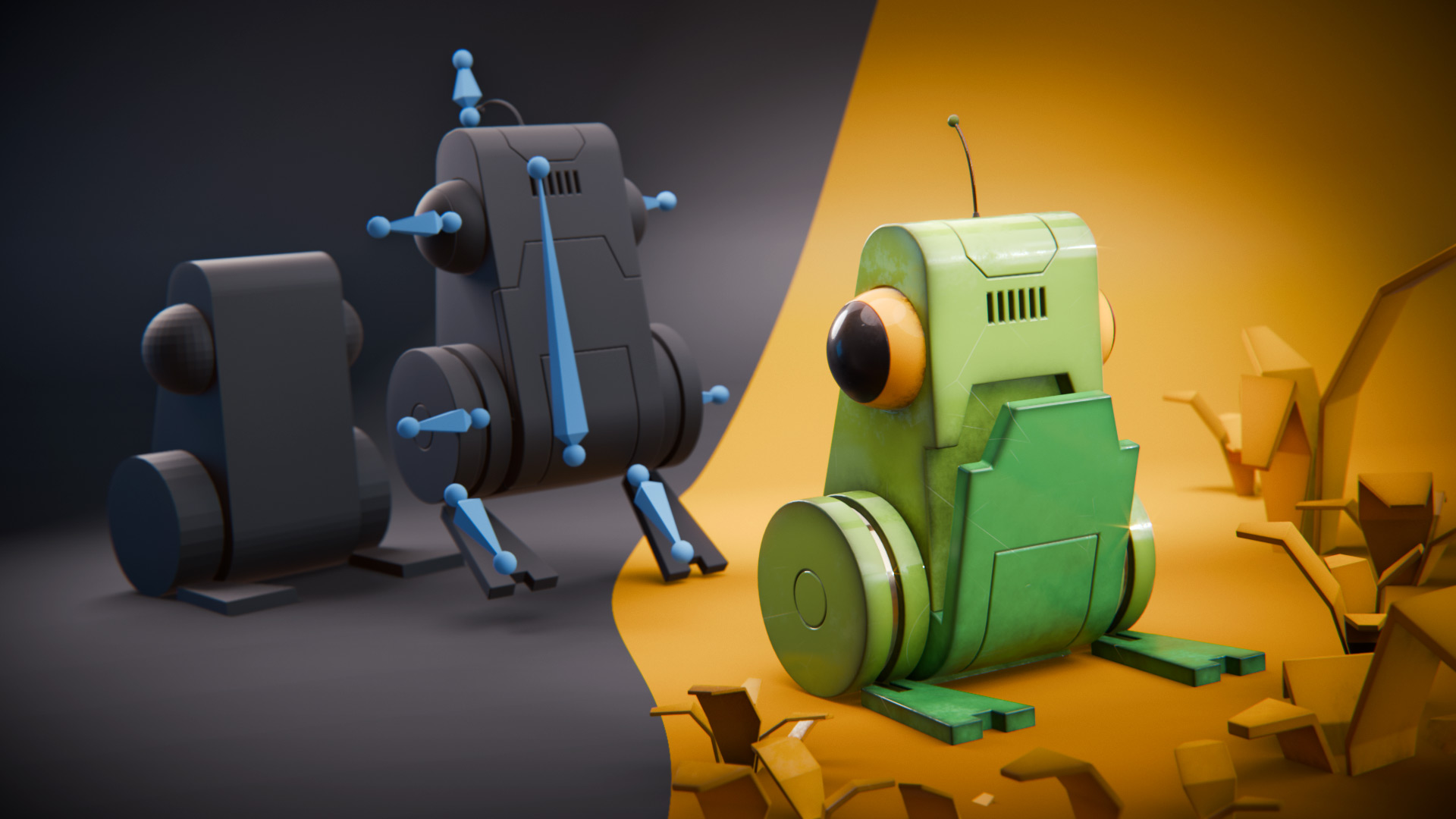

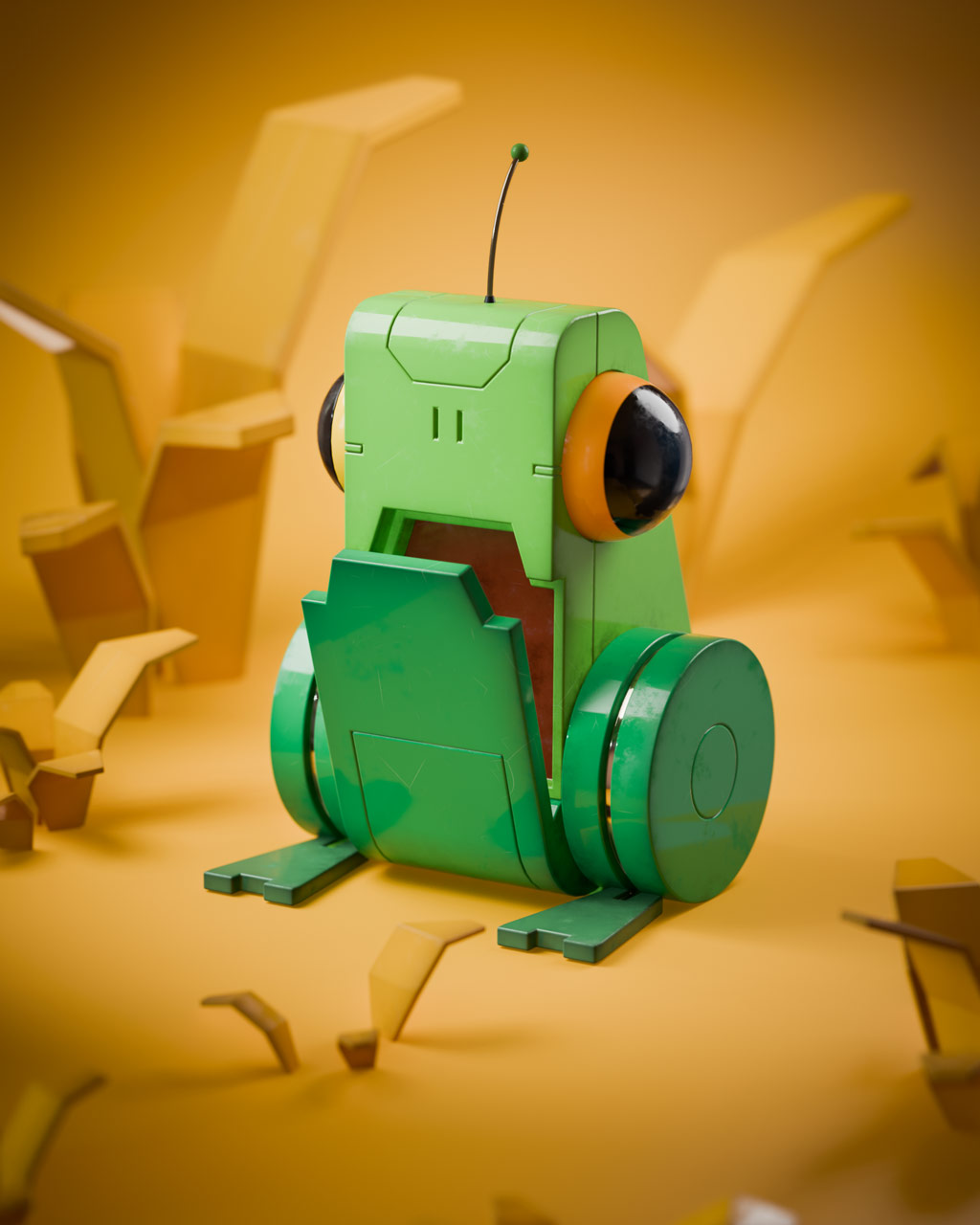
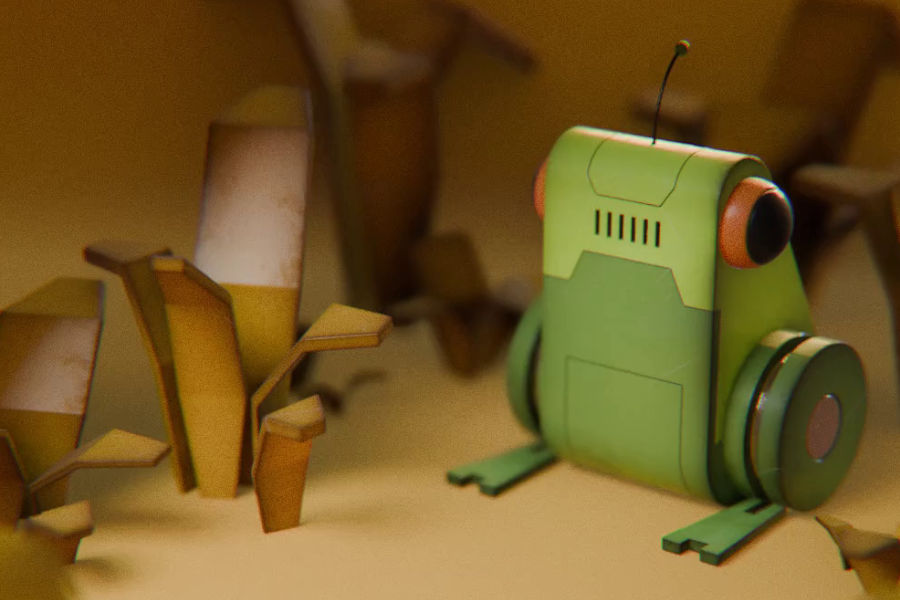
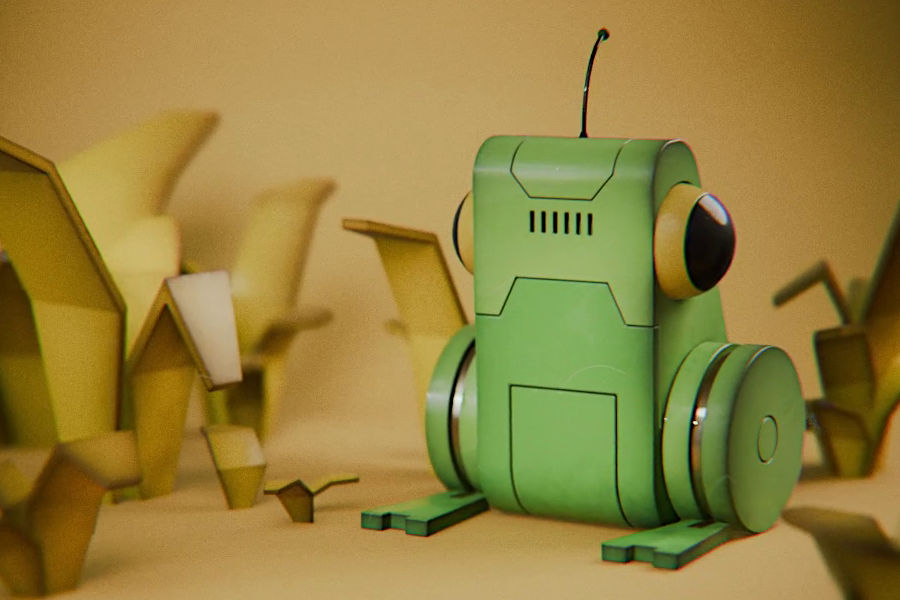
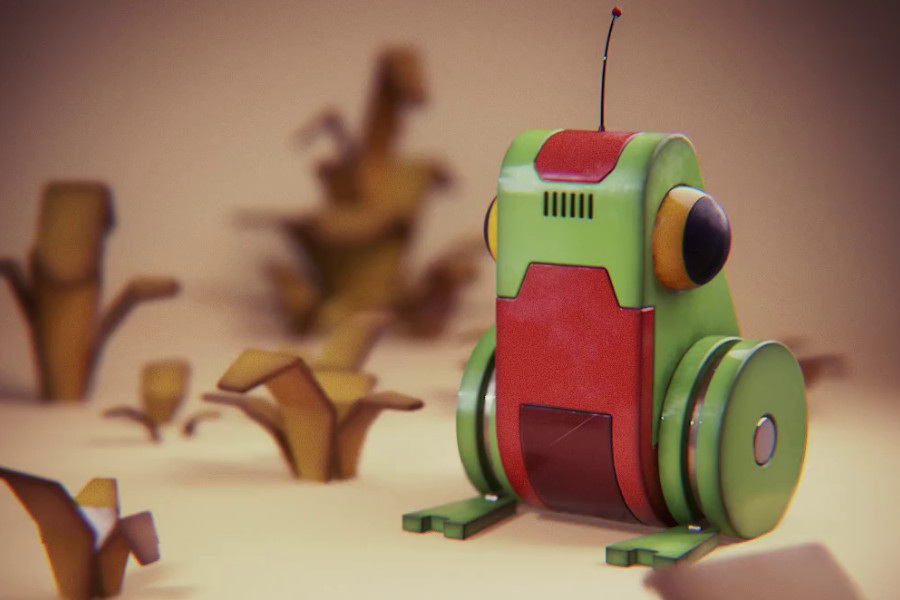
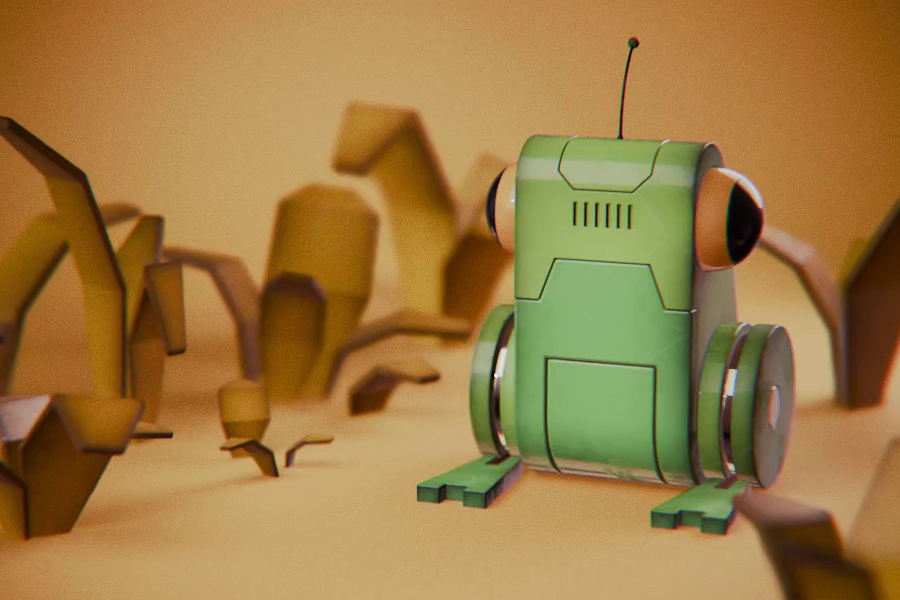
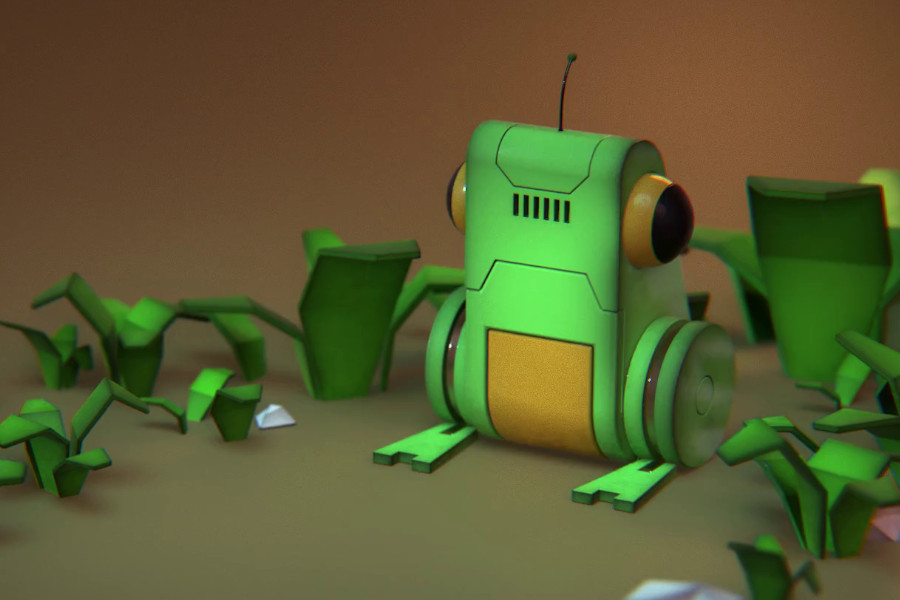
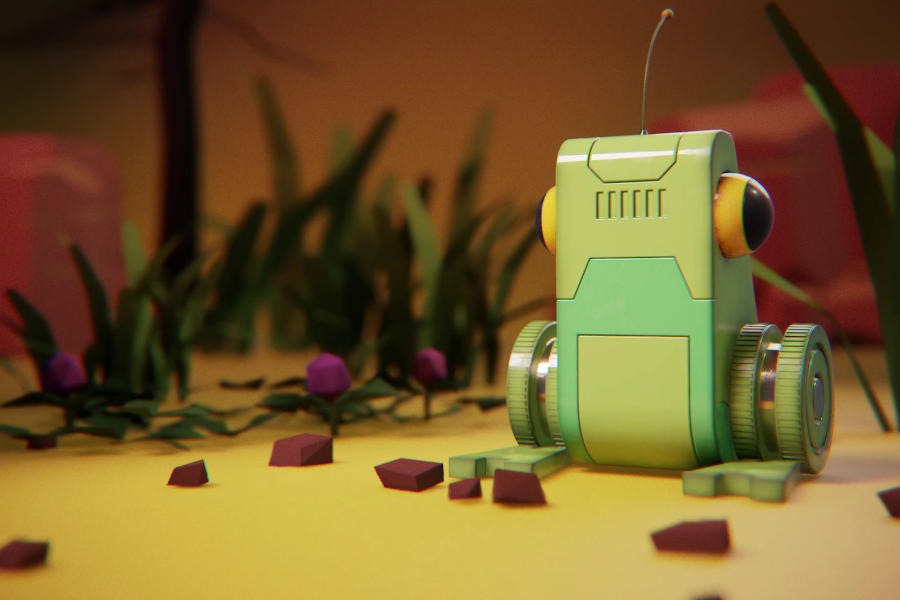
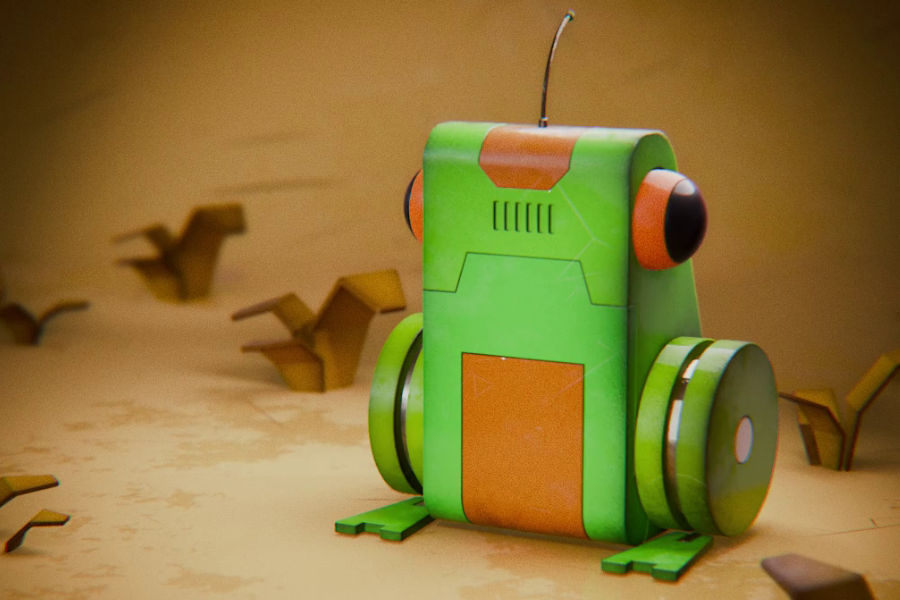
In this beginner-friendly course you’ll learn how to create a small “frog bot” from scratch, starting with nothing but primitive shapes. As you work, you’ll learn how to turn rough blocks into clean, readable hard-surface forms: shaping strong silhouettes, controlling edges, and adding simple details without overwhelming technical details.
And because a finished model is only one part of the picture, we’ll also go through a complete beginner workflow: add materials, set up a simple rig, and create a short animation by building it up from the basics until the movement feels satisfying.
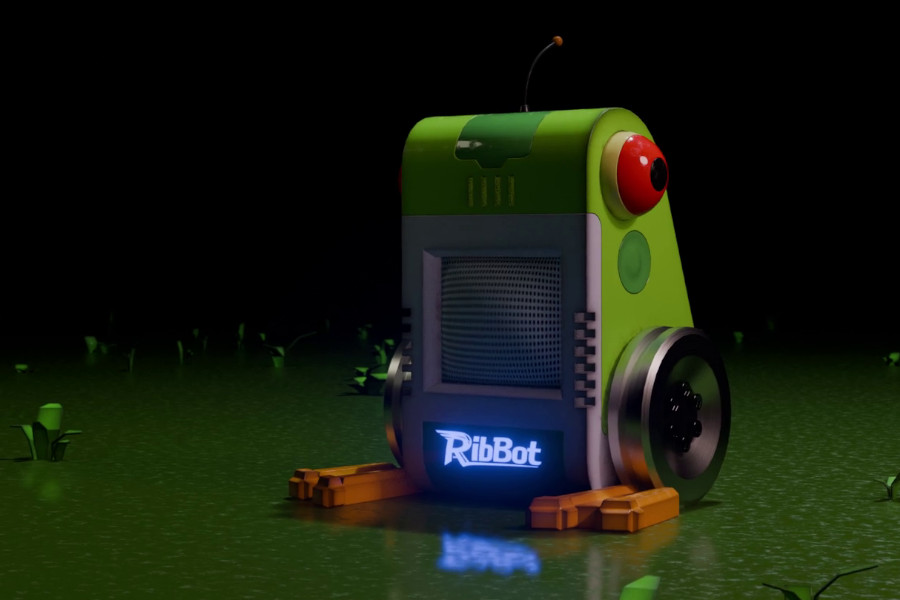
To bring everything together, you’ll set up a simple scene with lighting and a camera, and render a short video clip.
In the end, you’ll have a complete frog bot and a finished render you can share, and the important knowledge at hand, to easily continue your hard-surface creation journey.
The first part of the course focuses on creating the Frog Bot model. It covers importing a concept sketch, blocking out primitive shapes, refining forms with boolean cuts and bevels, and adding materials using either a default shader setup or the included material library.
9 videos | ~1:10 hrs running time
The second part of the course focuses on animating the Frog Bot. It covers setting up an armature (rig), placing and parenting bones, blocking out motion with keyframes, refining animation curves, and adding lighting and a simple environment for the final render.
7 videos | ~1:17 hrs running time
Since this course is focused on introducing a hard-surface creation workflow in Blender, no previous hard-surface modeling experience is required.
However, this is not a general Blender introduction. To fully enjoy this course, we suggest finishing our other free Blender Beginner course first.


I have been a professional 3D artist since 2005 and in 2012 I co-founded the animation studio Formation. In addition to my commercial work, I am passionate about producing personal projects that explore new techniques and tools, and enjoy sharing my discoveries with the CG community.
Here is what you'll get: